
TwinkStatistics
All your characters at a glance – a World of Warcraft add-on
Add-on · World of Warcraft
Screenshots
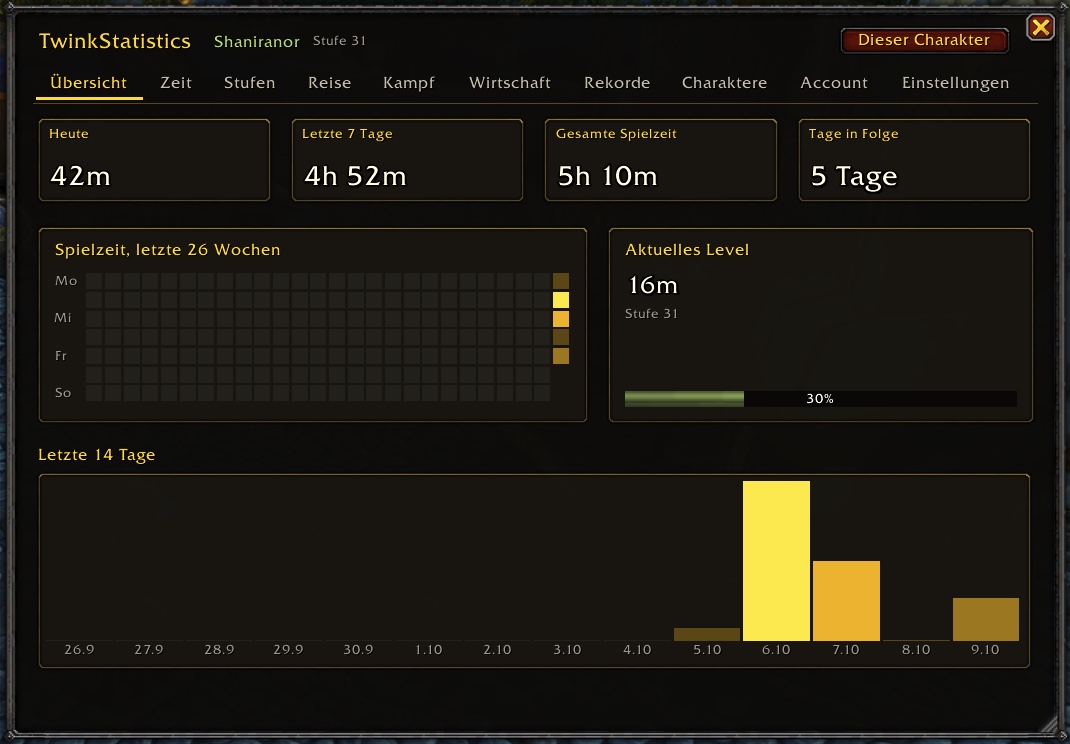
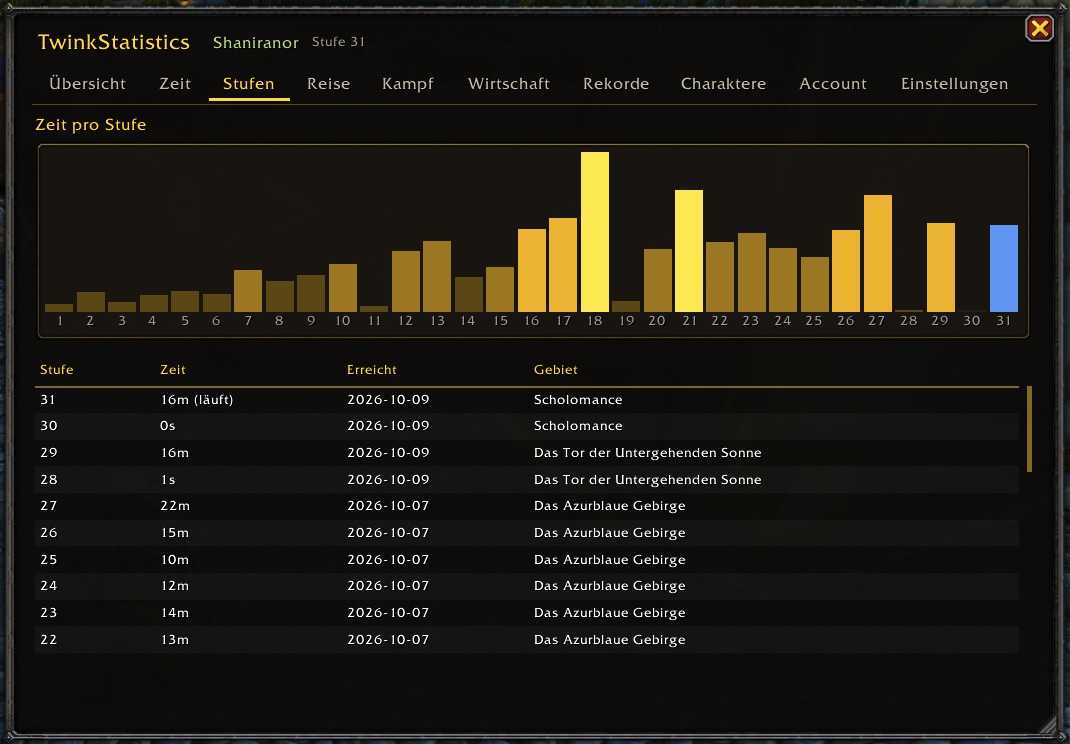
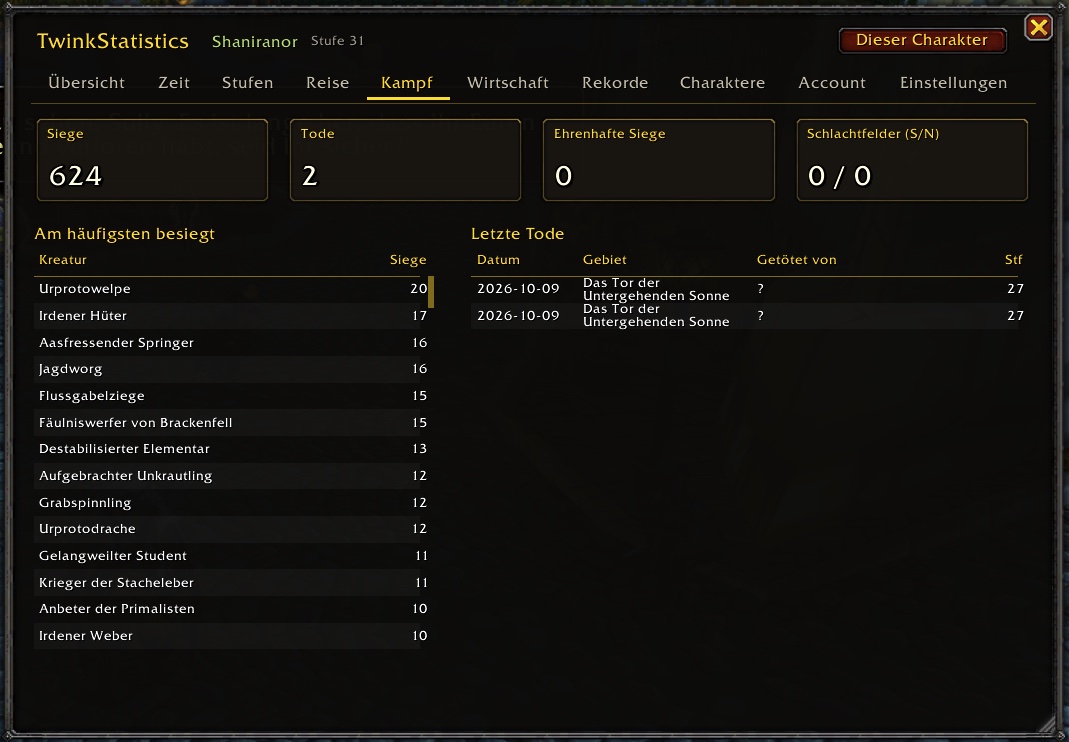
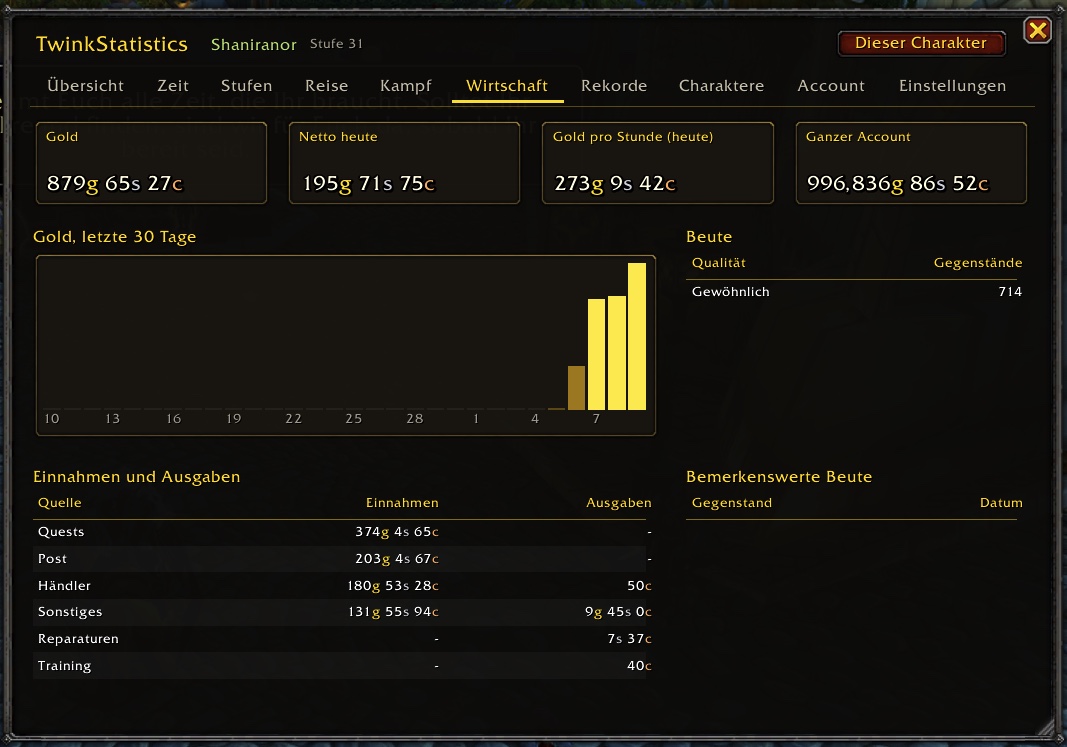
Features
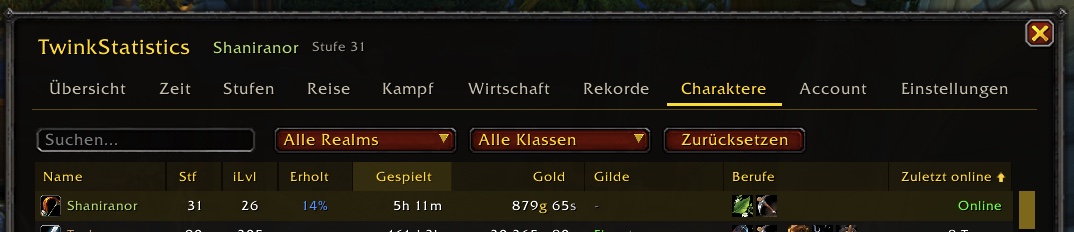
- All characters in one sortable, filterable table
- Time per level and play time per day, hour and weekday
- Gold, loot, kills, deaths, quests, zones and dungeons
- Account statistics with heatmap and records
- Export as CSV or JSON
- Retail and every Classic flavour
TwinkStatistics is for everyone who plays more than one character. It shows all your characters at a glance – level, item level, rested XP, play time, gold, guild, professions and when you were last online – and records the whole journey of each one: time per level, daily play time, kills, deaths, gold, quests, zones and more.
Everything lives in one WoW-style window with charts, a calendar heatmap and a minimap button. Most views switch between this character and the whole account.
TwinkStatistics merges the earlier add-ons Twinkr and Statistics and replaces both. Their data is imported automatically at the first login.
Installation
- Download and unzip the file.
- Copy the
TwinkStatisticsfolder intoWorld of Warcraft/<flavour>/Interface/AddOns/(<flavour>e.g._retail_or_classic_era_). - Start the game or
/reload–/statsopens the window.
Commands
| Command | Effect |
|---|---|
/stats |
Toggle the window (or click the minimap button) |
/twinkr |
List of all characters |
/stats today, /stats week |
Play time today / this week |
/stats levels |
Time per level |
/stats export |
Export as CSV / JSON |
/stats restore |
Undo the last wipe |
Supports Retail, Classic Era / SoD / Hardcore, Cataclysm Classic and Mists of Pandaria Classic.